- Home
- SportyBet login
SportyBet login in Nigeria
Your SportyBet account opens with two things: the Nigerian mobile number you registered with and your password. The same pair works on the desktop site, on the light mobile version and in the app.
The Login button on this page always leads to the working SportyBet address, so you do not need to search for a fresh link when the usual one does not load on your network.

How to log in to SportyBet
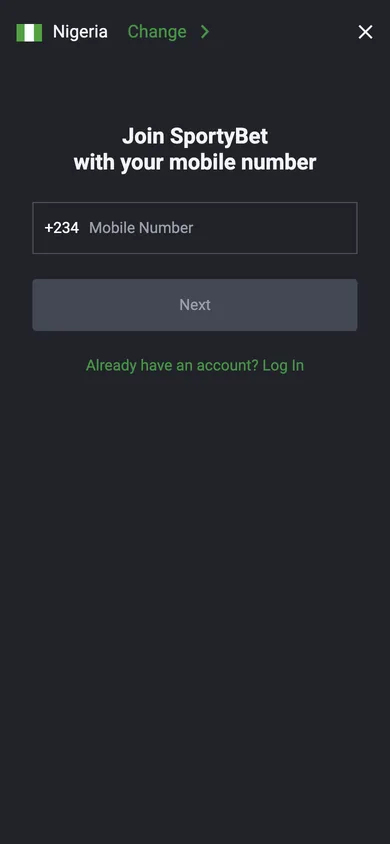
There is no separate username for betting. Your phone number is the login, and the +234 country code is already filled in for you.
On a phone
- Open SportyBet with the Login button on this page.
- Tap Log in at the top of the home screen.
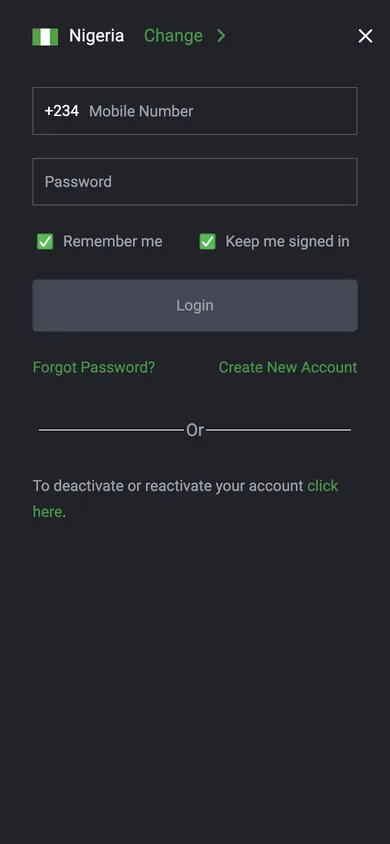
- Type your mobile number and your password.
- Keep "Remember me" and "Keep me signed in" ticked on your own phone, then tap Login.
On a computer
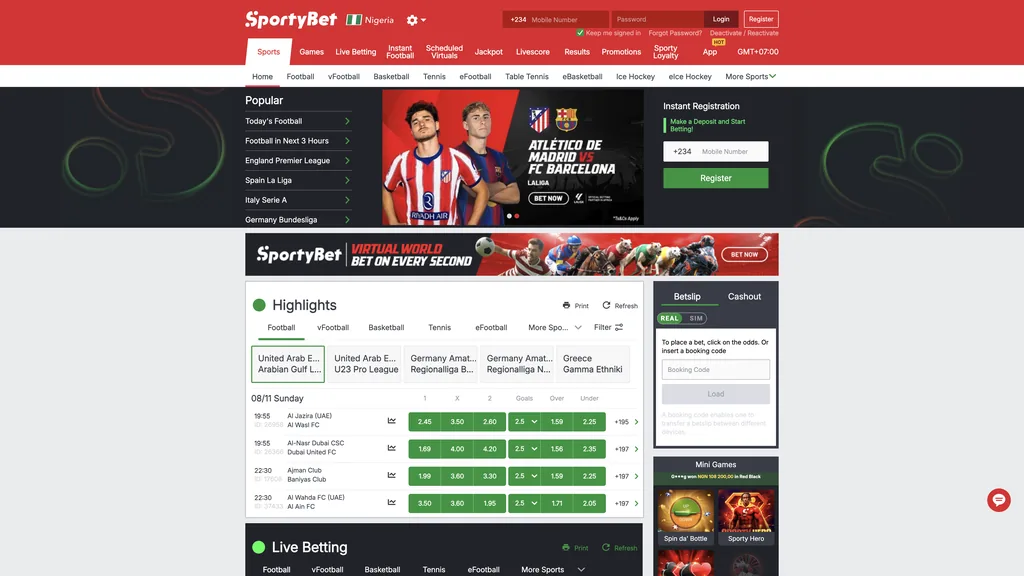
- The login boxes sit in the red header on every desktop page.
- Enter the Mobile Number and Password.
- Leave "Keep me signed in" on if the computer is yours.
- Press Login. Your balance appears in the header.
SportyBet mobile login, lite and old mobile version
Searches like "sportybet in login", "m sportybet", "old mobile login" and "lite login" all lead to the same place: the mobile web version of SportyBet. It opens in any phone browser, loads fast on a weak connection and asks for the same number and password as the app.
- Same account everywhereThe website, mobile web and app share one balance, one bet history and one set of gifts.
- Works on older phonesThe mobile site runs in a browser, so it suits a phone with little free space.
- Booking codes on the goLoad Code sits on the mobile home row next to Live, Aviator and Virtuals.
- One login for Sporty.comThe same account also opens Sporty.com with news, live scores and football streams.
Use the Login button on this page whenever the address you saved stops opening. It always takes you to the current SportyBet site.
Open SportyBet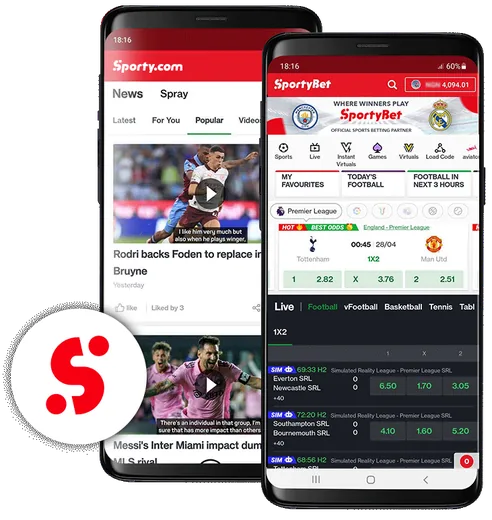
SportyBet app login
The app keeps you signed in after the first login, so most days you only open it and bet. If it asks again, use the same number and password as on the website. A new version installs over the old one and keeps your session.
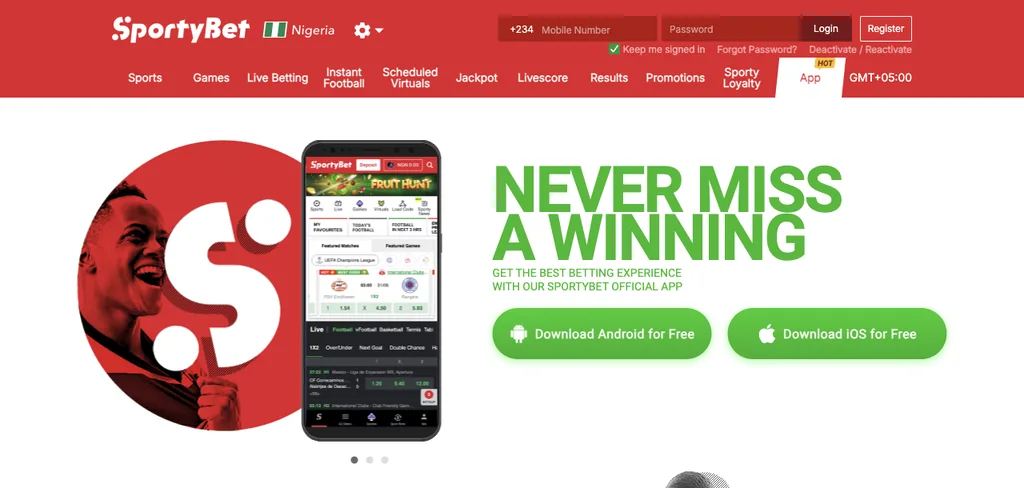
Android users take the APK from the official App page, iPhone users install the app from the App Store in Nigeria. Our SportyBet app guide walks through both installs.
Get the appForgot your SportyBet password?
Reset the password
- Tap Forgot Password? under the login form.
- Enter your registered mobile number.
- Type the code SportyBet sends by SMS.
- Choose a new password and log in.
Change it while logged in
Open My Account (Me), go to My Account Info and press Change Password. The same menu lets you update your personal details.
If you no longer remember the username, the official help page asks you to contact customer care on 07008888888 or 09088999988, or by email at [email protected].
SportyBet login problems and quick fixes
Most failed logins come down to a typo in the number, an old saved link or a deactivated account. The table covers the usual cases.
| What you see | What to do |
|---|---|
| The saved link does not open | Press the Login button on this page. It always goes to the working address. |
| Wrong number or password | Check the number after +234 and the password case, then try Forgot Password? if it still fails. |
| The account was deactivated | Under the login form there is a link to deactivate or reactivate your account. Choose Self Reactivate and confirm with the SMS code. |
| A code is asked after the password | Two factor authentication is on. Open your email inbox and type the code sent there. |
| The app keeps logging you out | Install the newest version from the official App page and keep "Keep me signed in" ticked. |
| You typed sportingbet login | Sportingbet is a separate brand abroad. In Nigeria the account you are looking for is almost always SportyBet. |
Keep your SportyBet account safe
On a shared computer, untick "Keep me signed in" and log out from Me when you finish. New bank accounts also go through an SMS, voice or reverse SMS check the first time you withdraw to them.
Ready to place a slip?
Log in through the button and your balance, open bets and gifts are where you left them.
Questions and answers
How do I log in to SportyBet Nigeria?
Open SportyBet, tap Log in, enter the mobile number you registered with and your password, then press Login. The same details work on the website, the mobile version and the app.
What is the SportyBet in login or lite login?
These searches point to the mobile web version of SportyBet. It opens in a phone browser, loads fast on a slow network and uses the same number and password as your main account.
Can I log in to SportyBet with my email?
The login form asks for your mobile number and password. Email is used for two factor codes if you switch that option on.
Why can I not log in to my SportyBet account?
Check the number and password first. If the account was deactivated, use Self Reactivate under the login form. If the page itself does not load, use the Login button on this page.
Does the SportyBet login also work on Sporty.com?
Yes. SportyBet and Sporty.com share one account, so the same number and password open both.